Scenario-Based Product Training Microlearning | Rise 360 | Instructional Design
(Best viewed on desktop or tablet. The course is responsive, but the intended learning layout is optimised for larger screens.)
Overview
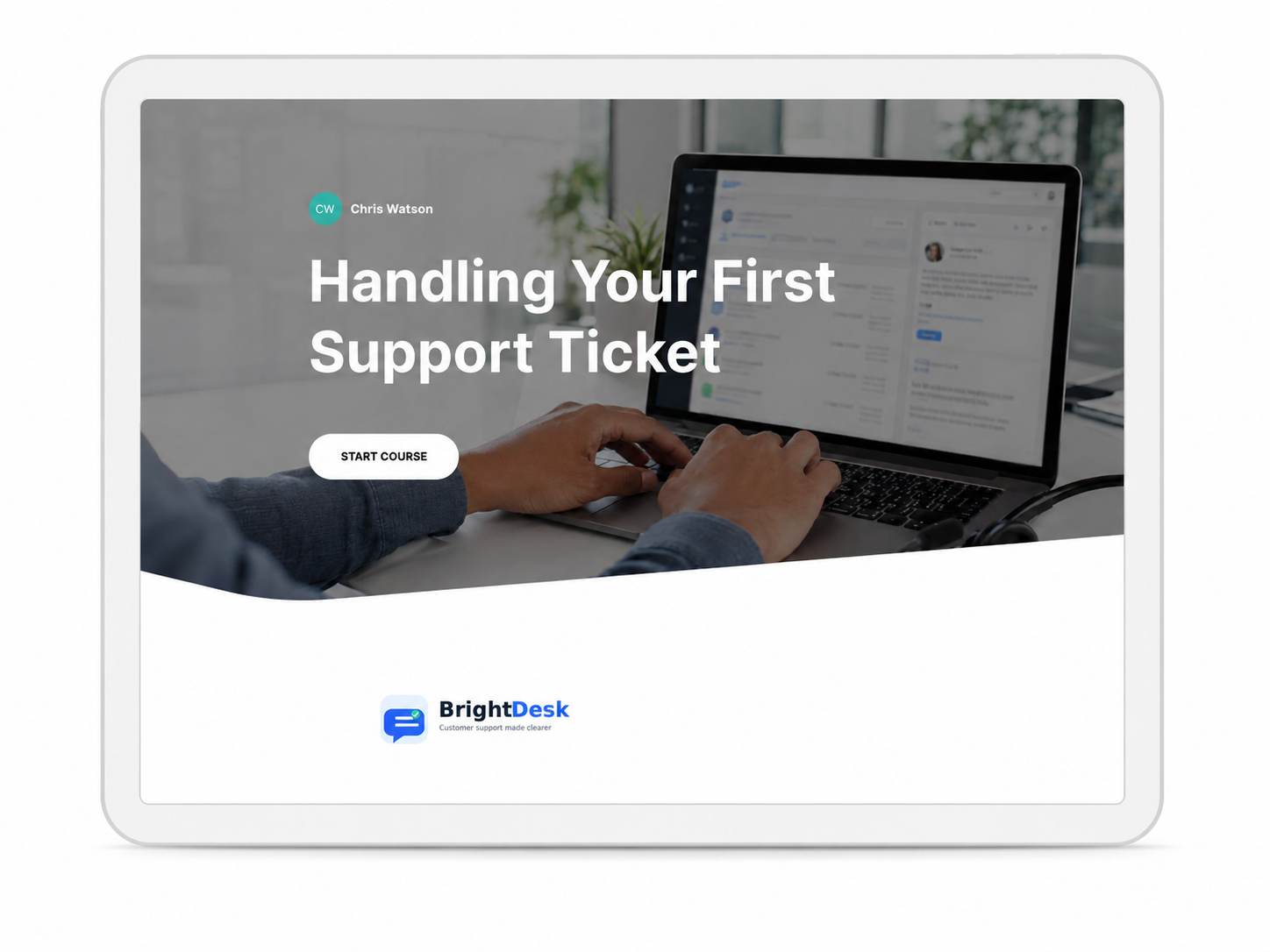
This project is a short scenario-based microlearning course designed for new customer support agents who need to handle their first support tickets clearly, confidently and consistently.
The course was created for BrightDesk, a fictional customer support platform, to demonstrate how product workflow training can be made practical, focused and easy to apply.
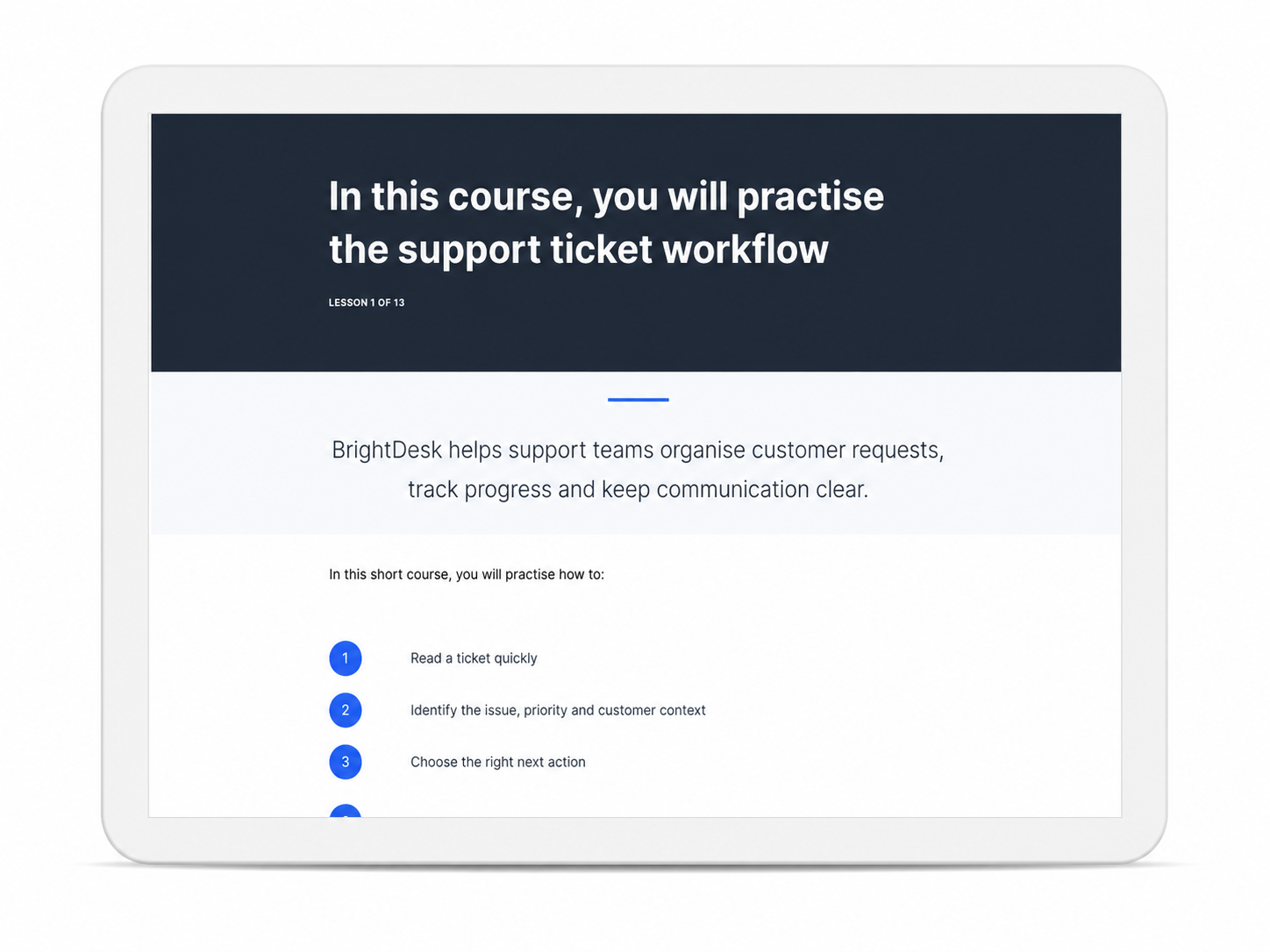
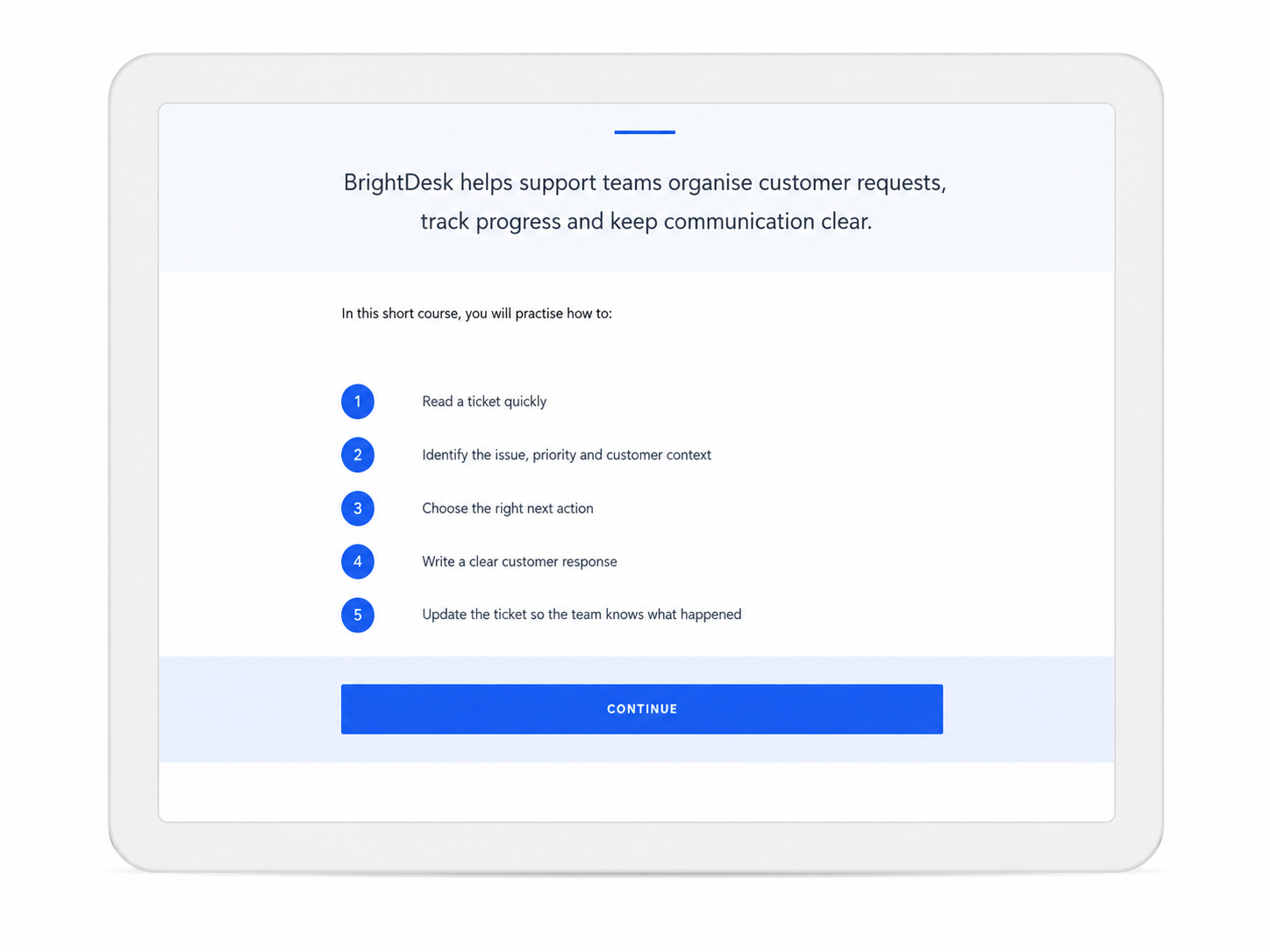
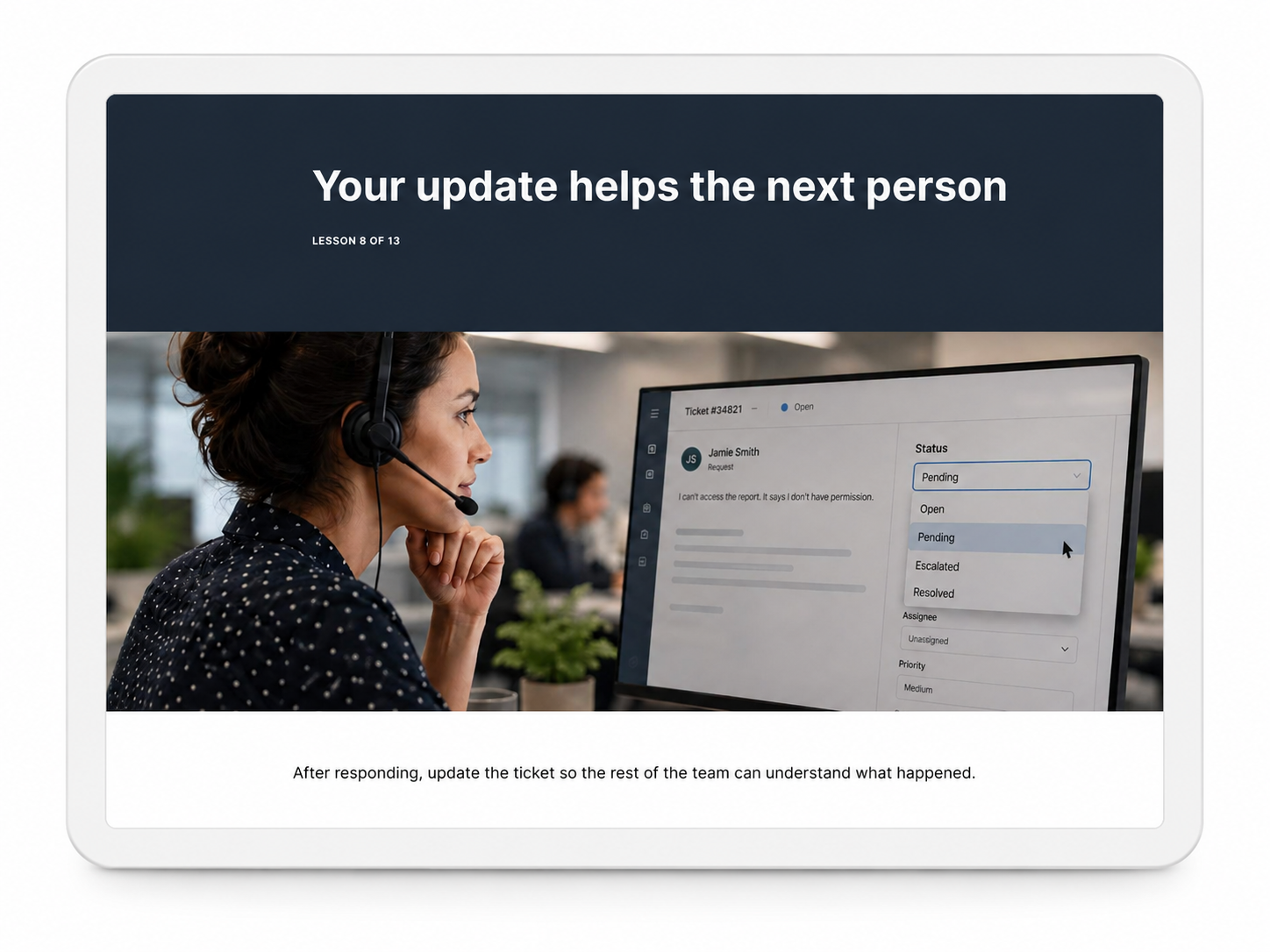
The module focuses on helping learners read ticket information, identify customer context, choose the right next action, write a clear response and update the ticket so the rest of the team understands what happened.
The Challenge
New support agents often need to make quick decisions while working through customer tickets, but the correct action is not always obvious.
A ticket may include customer messages, previous replies, internal notes, order details, status information or warning signs that change what the agent should do next. Without a clear process, new agents may:
- Open the wrong ticket first
- Miss important context before replying
- Give unclear or incomplete customer responses
- Choose the wrong ticket status
- Mark tickets as resolved too early
- Fail to update the ticket for the next person
The goal was to design a short learning experience that helped learners practise realistic ticket-handling decisions, rather than simply reading about a support process.
My Role
I designed and built the course end-to-end:
- Learning objectives and course structure
- Instructional script writing
- Scenario and quiz content
- Visual design and layout
- Brand concept and visual direction for BrightDesk
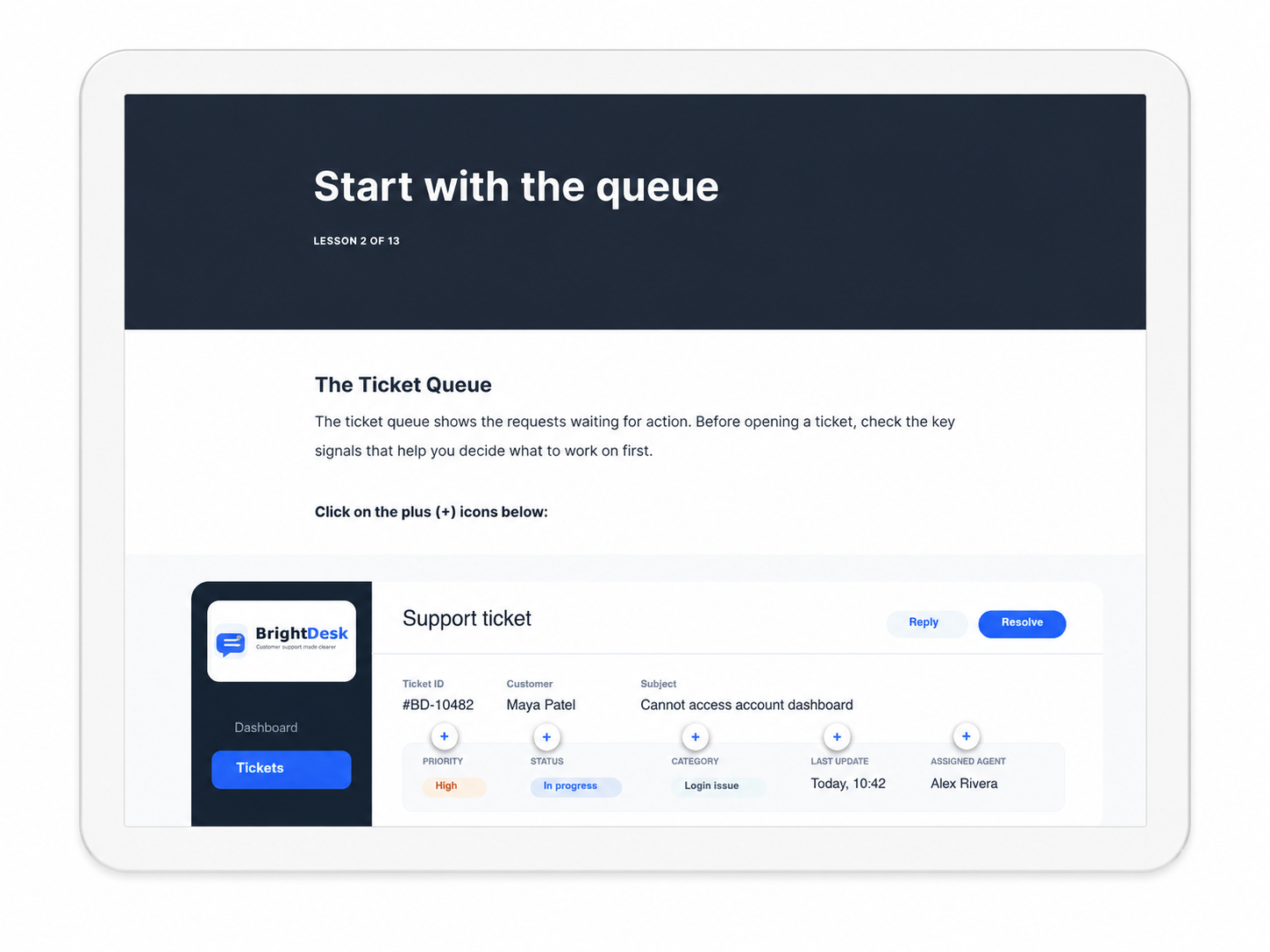
- Custom ticket interface graphics and supporting visuals
- Rise 360 lesson structure and interaction design
- Scenario-based knowledge checks with feedback
- Response-building and ticket-status activities
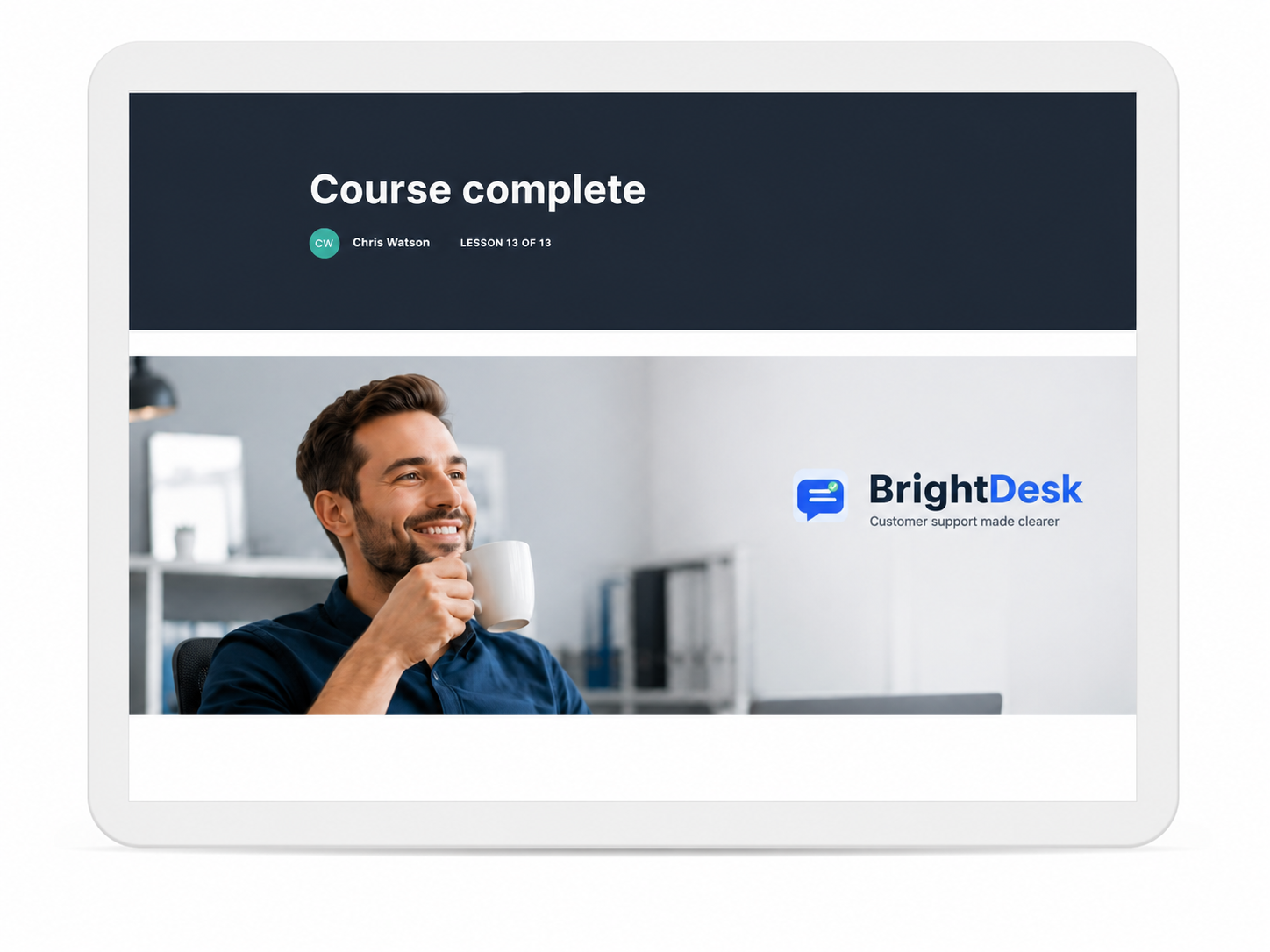
- Course completion screen and summary content
- Export and deployment testing
Course Structure
The course includes:
- A clear introduction to the support ticket workflow
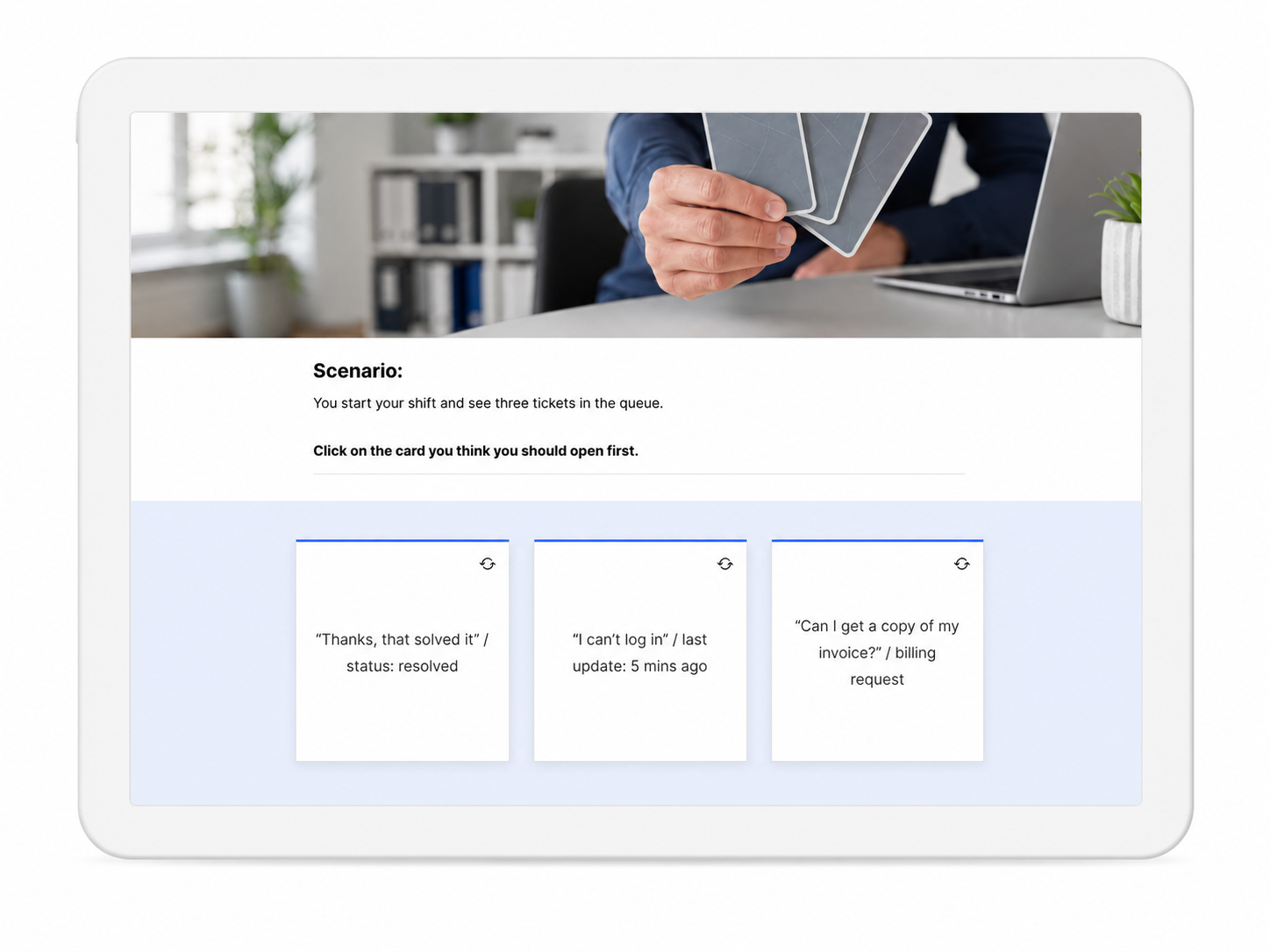
- A guided look at the ticket queue and key ticket signals
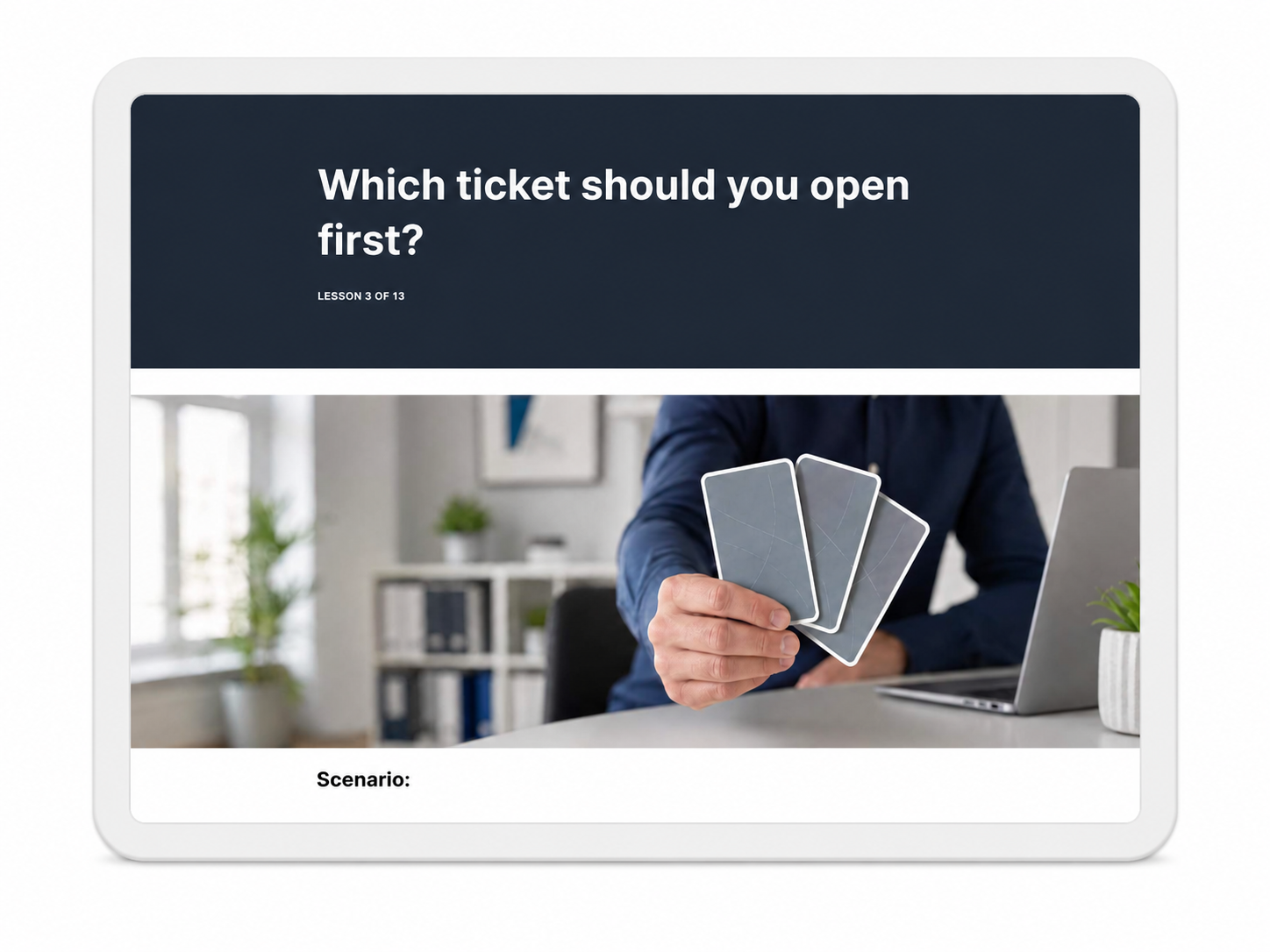
- A scenario asking learners which ticket to open first
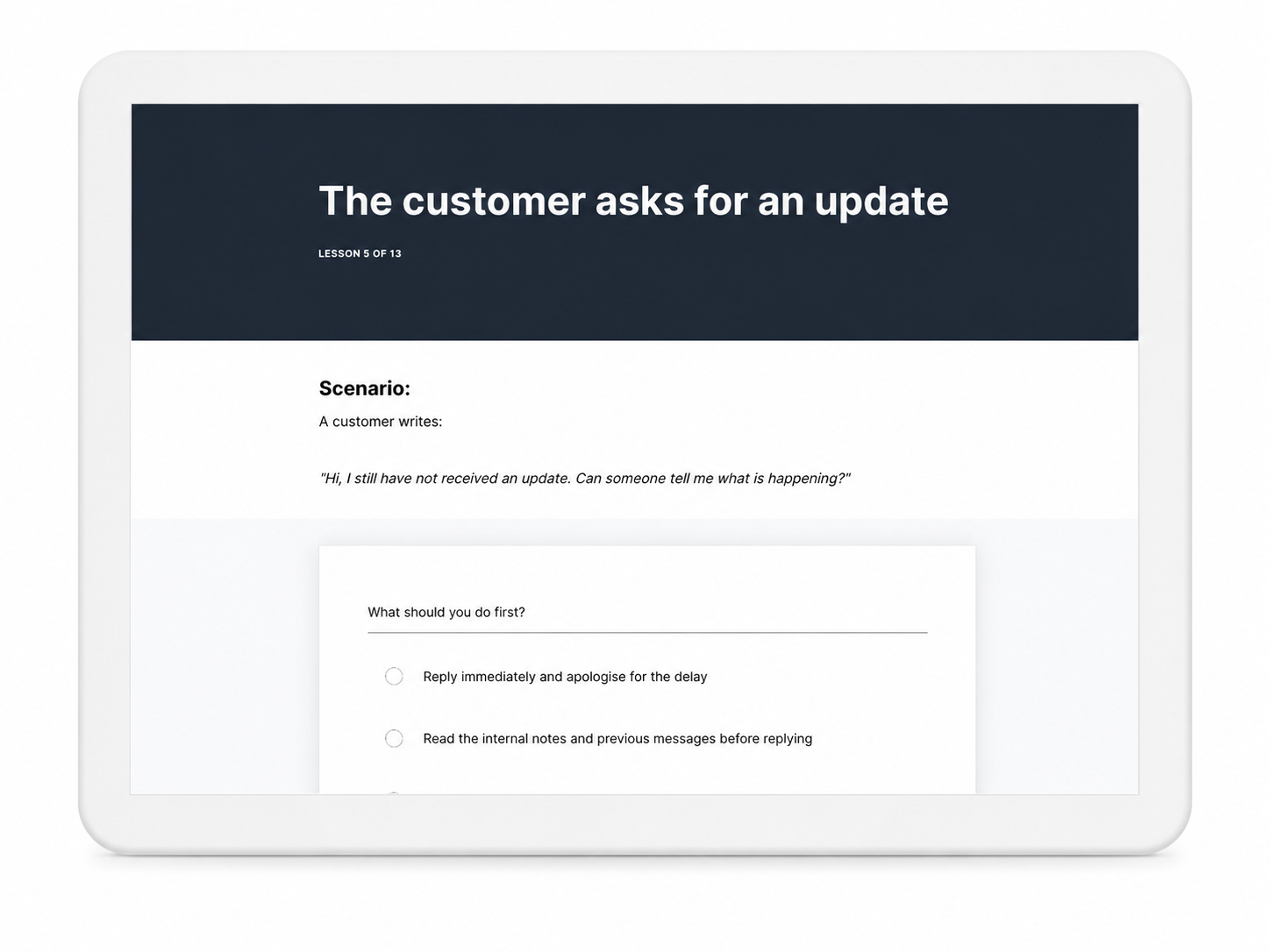
- A section on reading customer context before replying
- Scenario-based questions about customer updates and support decisions
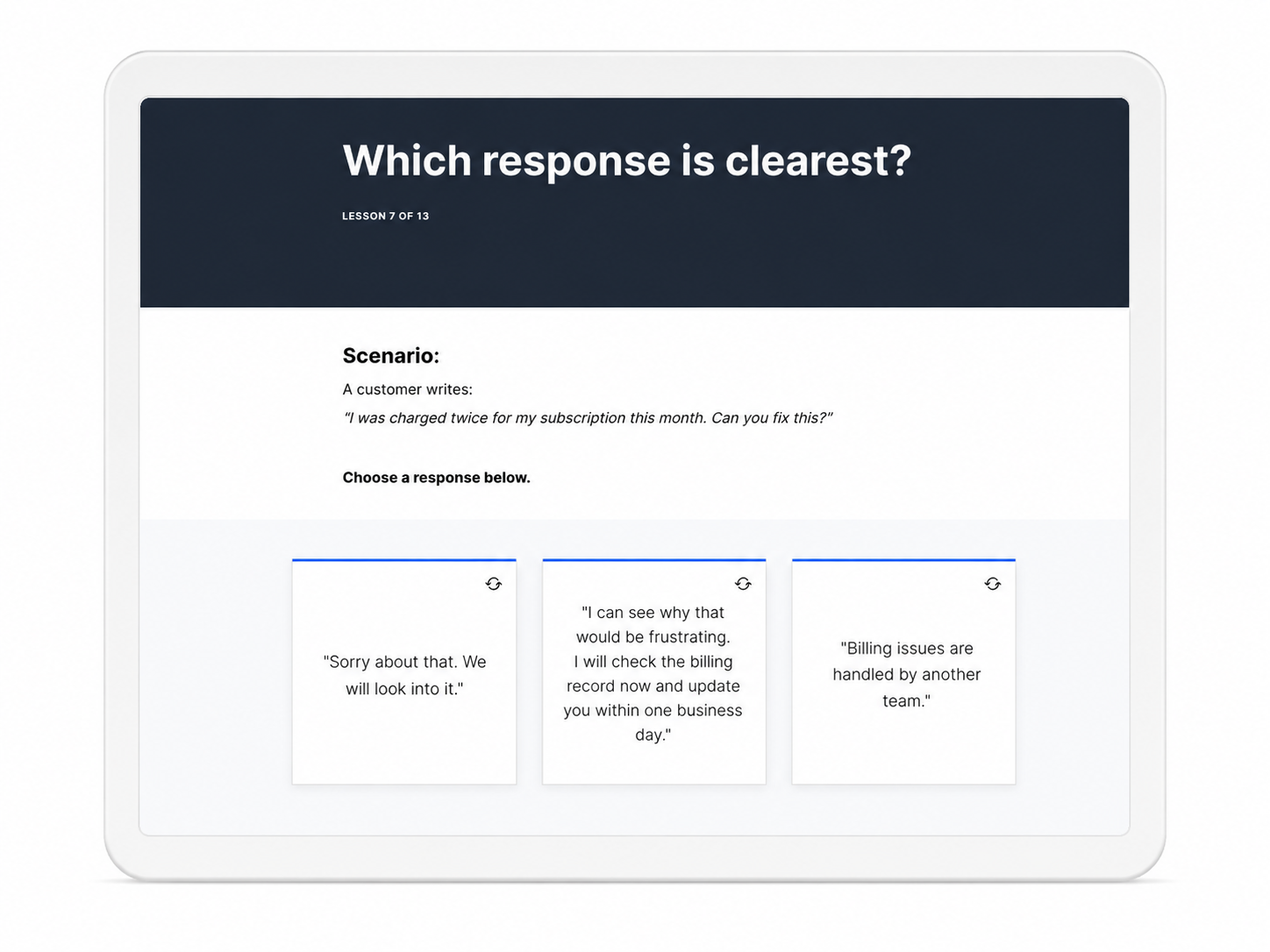
- A simple response framework for writing clearer customer replies
- Comparison activities showing stronger and weaker responses
- Ticket status practice activities
- A final ticket-handling challenge
- A course completion screen reinforcing the learning outcome
The course is designed as a focused workplace learning sample rather than a full product onboarding programme.
Key Design Decisions
Workflow-Based Learning
The course is built around the real sequence of work a new support agent needs to follow: read the ticket, understand the context, choose the next action, respond clearly and update the ticket.
Scenario-Based Practice
Rather than only presenting information, the course asks learners to make realistic decisions about ticket priority, customer context, response quality and ticket status.
Progressive Skill Building
The module starts with simple recognition tasks and gradually moves towards more applied decision-making, helping learners build confidence as they progress.
Clear Response Framework
The course helps learners understand that a good support reply should acknowledge the issue, explain the next step and set a realistic expectation.
Cognitive Load Control
The module uses short sections, clean spacing, focused quiz questions and simple interface visuals to keep the learning experience clear and manageable.
Brand-Integrated Learning Design
The course applies the BrightDesk visual identity across the learning experience, including colours, typography, interface mockups, buttons, scenario imagery and completion visuals. This shows how a SaaS product brand can extend into internal training materials.
Tools Used
- Rise 360
- Figma
- Adobe Photoshop
- Custom UI visuals and support-ticket graphics
- AI-assisted image and visual asset development
- Scenario-based quiz and interaction design
- Card, checklist and knowledge check interactions
- Responsive course layout testing
- Export and web deployment testing
Outcome
This project demonstrates how a fictional customer support platform can be extended into a practical workplace product-training experience.
It shows my ability to:
- Translate a product workflow into a focused learning module
- Create clear learning objectives and practical learner outcomes
- Apply instructional design principles to customer support training
- Design scenario-based interactions and knowledge checks
- Use Rise 360 to build a structured microlearning course
- Create a consistent visual identity for e-learning content
- Design product-style interface visuals for training use
- Balance visual design, learner engagement and practical workplace decision-making
The result is a compact, branded learning sample that combines product training, customer support workflow practice, scenario-based learning and clean visual design.