Interactive Microlearning Course | Adobe Captivate | Instructional Design
(Best viewed on desktop or tablet. The course is responsive, but the intended learning layout is optimised for larger screens.)
Overview
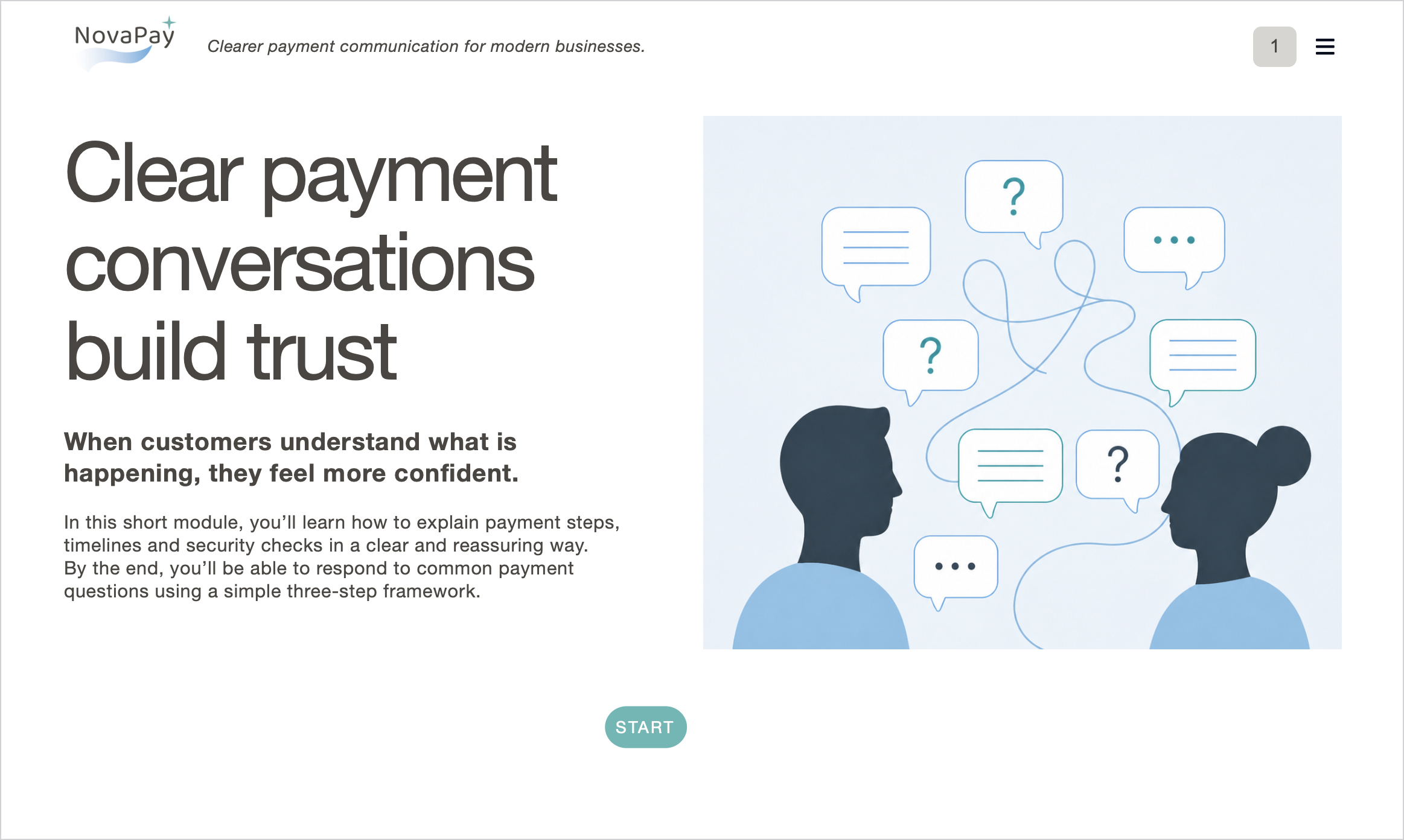
This project is a short interactive microlearning course designed for client-facing teams who need to explain digital payment processes clearly, confidently and consistently.
The course was created as a companion learning sample for the NovaPay brand concept, showing how a fictional B2B fintech platform could support sales, finance, onboarding and customer support teams with practical communication training.
The module focuses on helping employees respond to common customer questions about payment steps, timelines and security checks using a simple three-step communication framework.
The Challenge
Payment processes can feel confusing for customers, especially when they involve verification steps, waiting periods, account details or security checks.
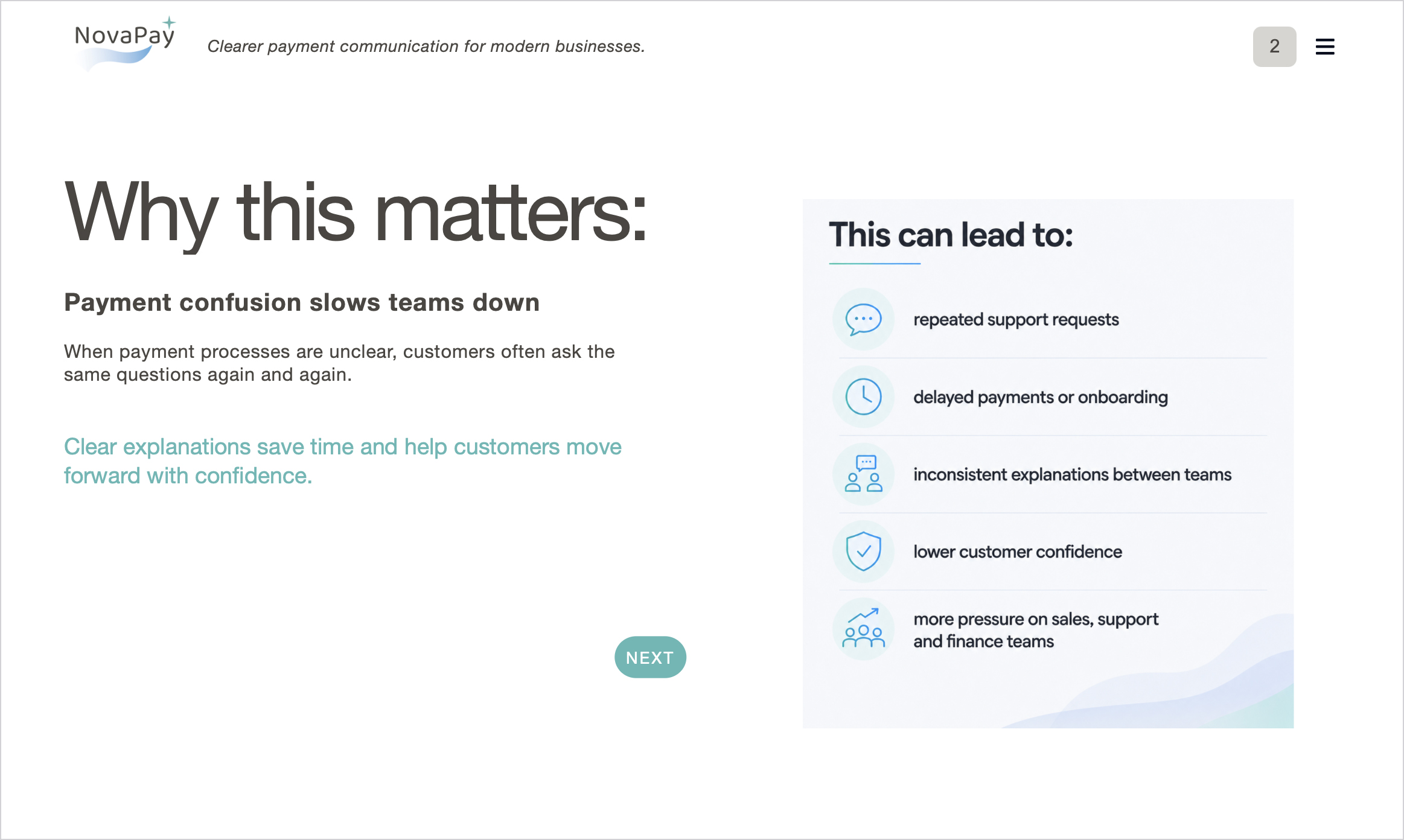
Client-facing teams may also give slightly different explanations, which can lead to:
- Repeated support requests
- Delayed payments or onboarding
- Inconsistent explanations between teams
- Lower customer confidence
- More pressure on sales, support and finance teams
The goal was to design a short learning experience that helped teams give clearer, more reassuring responses without overwhelming them with technical payment detail.
My Role
I designed and built the course end-to-end:
- Learning objectives and module structure
- Instructional script writing
- Scenario and quiz content
- Visual design and layout
- Brand application using the NovaPay identity
- Custom icons and supporting illustrations
- Interactive card, accordion and quiz elements
- PDF job aid / quick reference guide
- Export and deployment testing
Course Structure
The course includes:
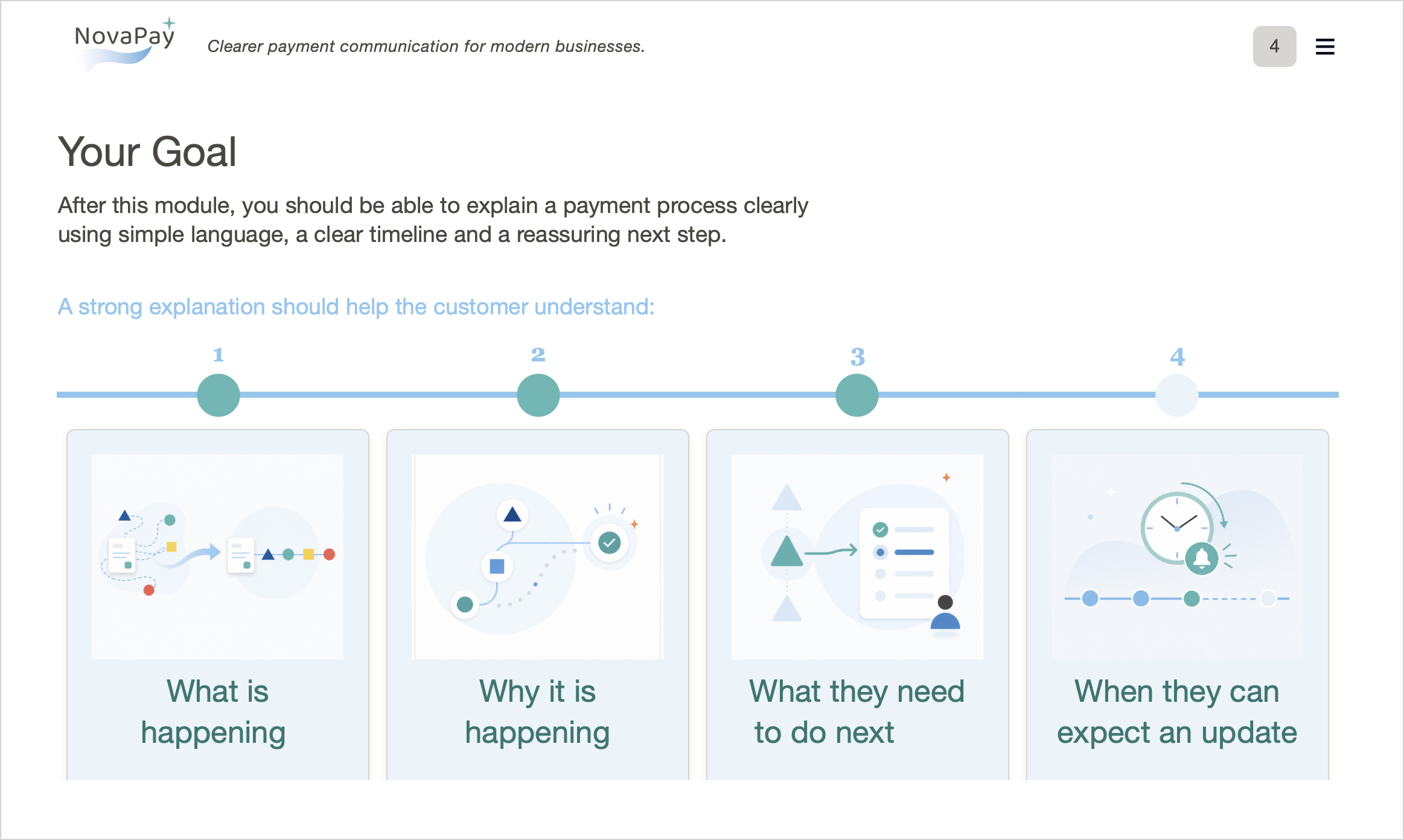
- A clear introduction to the purpose of the module
- A problem-focused section explaining why payment confusion matters
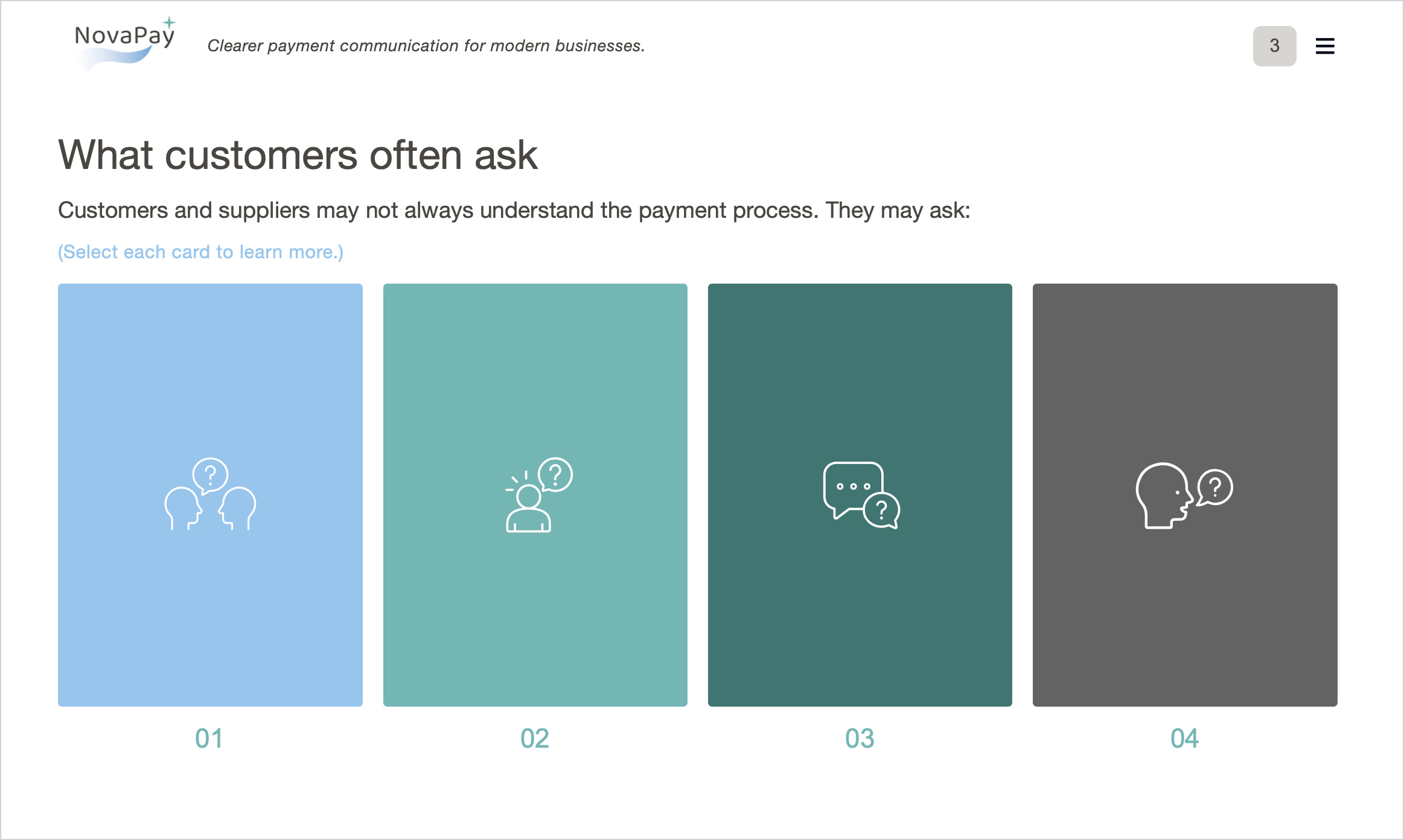
- Interactive cards showing common customer questions
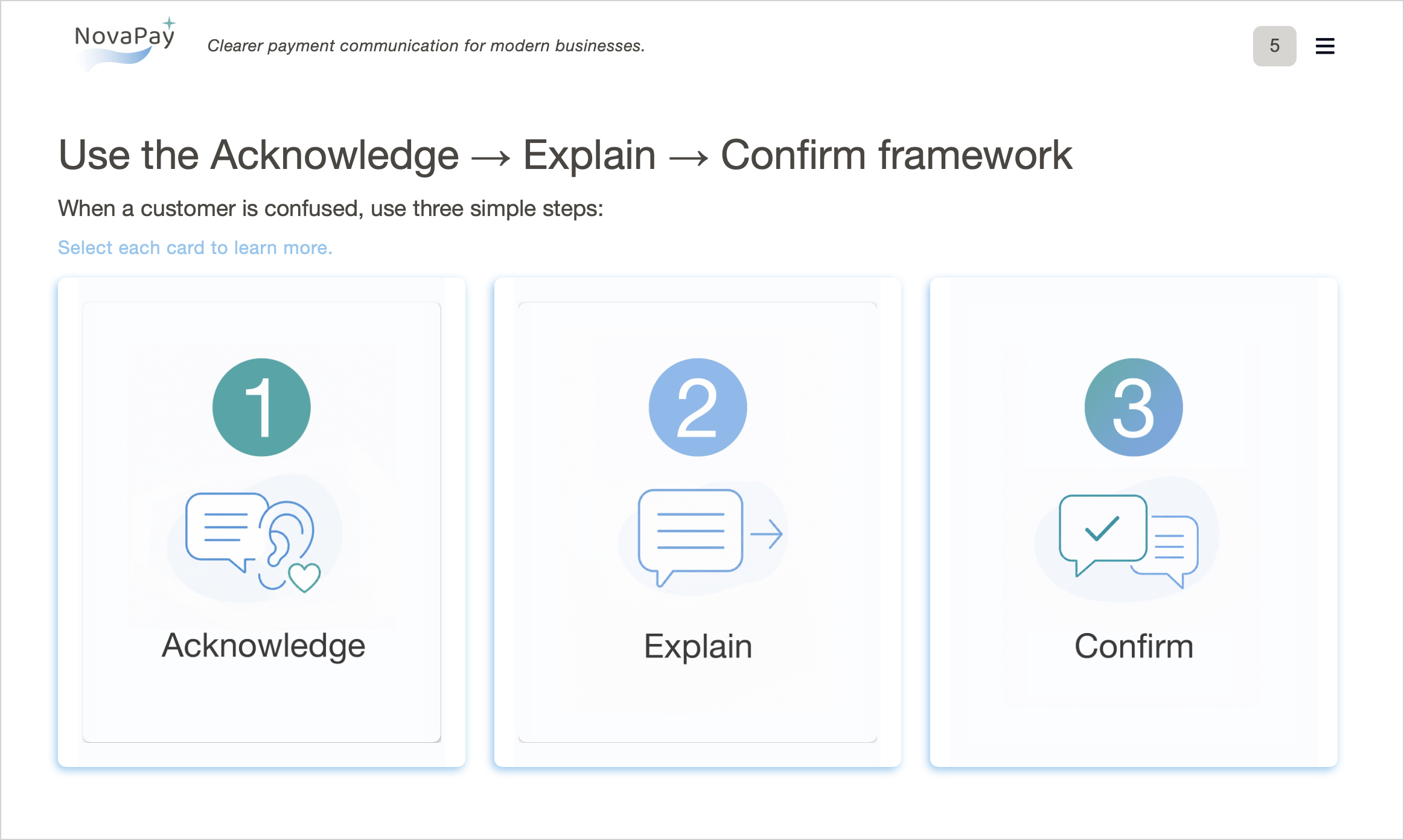
- A simple communication framework: Acknowledge → Explain → Confirm
- Before-and-after response examples
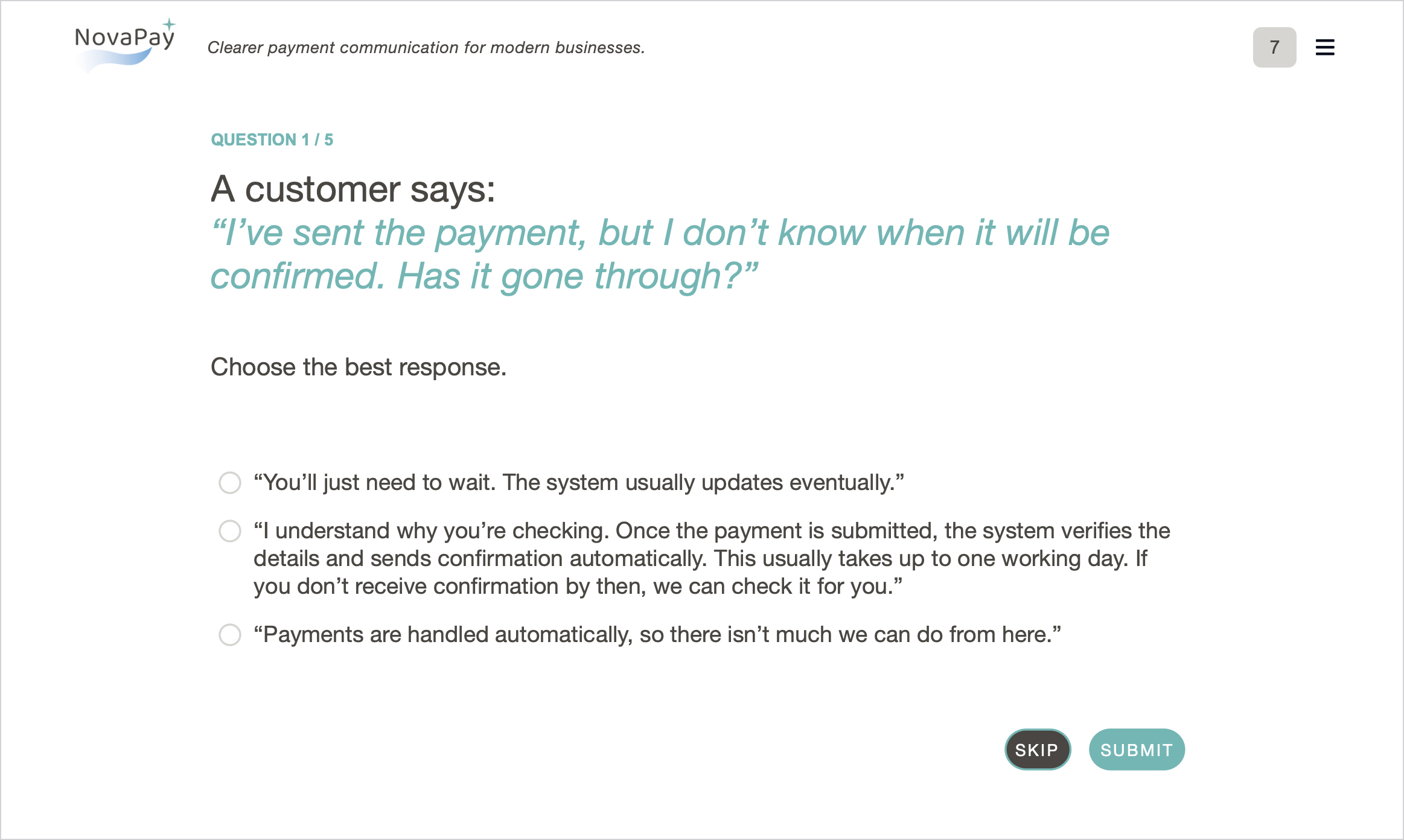
- Scenario-based practice
- Knowledge check questions with feedback
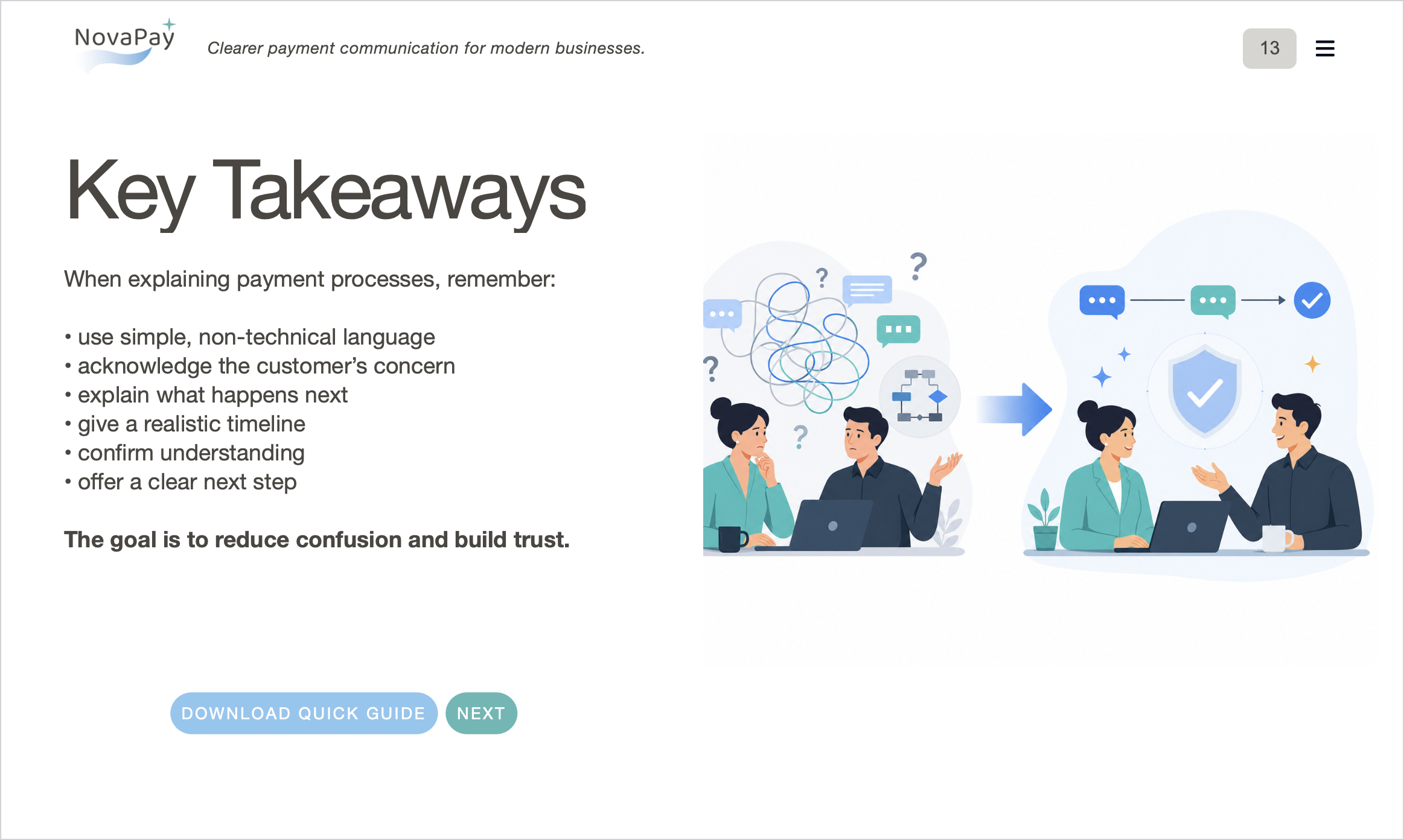
- A final summary of key takeaways
- A downloadable quick reference guide
The course is designed as a focused workplace learning sample rather than a full compliance or systems-training course.
Key Design Decisions
Action-Focused Learning
The course is built around what learners need to do on the job: respond clearly to customer questions and reduce confusion during the payment process.
Simple Communication Framework
The Acknowledge → Explain → Confirm model gives learners an easy structure they can remember and apply in real conversations.
Scenario-Based Practice
Rather than only presenting information, the course asks learners to compare weaker and stronger responses and apply the framework to realistic customer questions.
Cognitive Load Control
The module uses short sections, clear spacing, simple visuals and progressive interactions to avoid overwhelming the learner.
Brand-Integrated Learning Design
The course applies the NovaPay visual identity across the learning experience, including typography, colours, icons, UI elements and supporting illustrations. This shows how a brand system can extend into internal training materials.
Tools Used
- Adobe Captivate
- Figma
- Adobe Photoshop
- Custom icons and visual assets
- AI-assisted illustration development
- Interactive widgets and quiz logic
- PDF job aid design
- Export and web deployment testing
Outcome
This project demonstrates how a fictional B2B fintech brand can be extended into a practical workplace learning experience.
It shows my ability to:
- Translate a business communication problem into a focused learning module
- Create clear learning objectives and practical learner outcomes
- Apply instructional design principles to workplace training
- Design scenario-based interactions and knowledge checks
- Use Adobe Captivate to build an interactive microlearning experience
- Extend a visual identity into e-learning content
- Create supporting job aids for real-world use
The result is a compact, branded learning sample that combines visual design, instructional design and practical communication training.
x